Free
 PDF
PDF Google Docs
Page 1 of 3 preview pages: Cover. Previews are watermarked; your download isn’t.
Social-emotional learning classroom tool
Everything printable for your first week in Google Classroom: a setup checklist, class code and login cards, a parent letter in English and Spanish, a turn-in poster, newsletter, rubric and seating charts.
Eleven printable pages for setting up Google Classroom without the scramble.
| Page | What it's for |
|---|---|
| 1 | Contents |
| 2 | First-week setup checklist: every setting to check before day one, then what to practice with students |
| 3 | "How to turn in your work" poster: five steps, big enough to read from a desk |
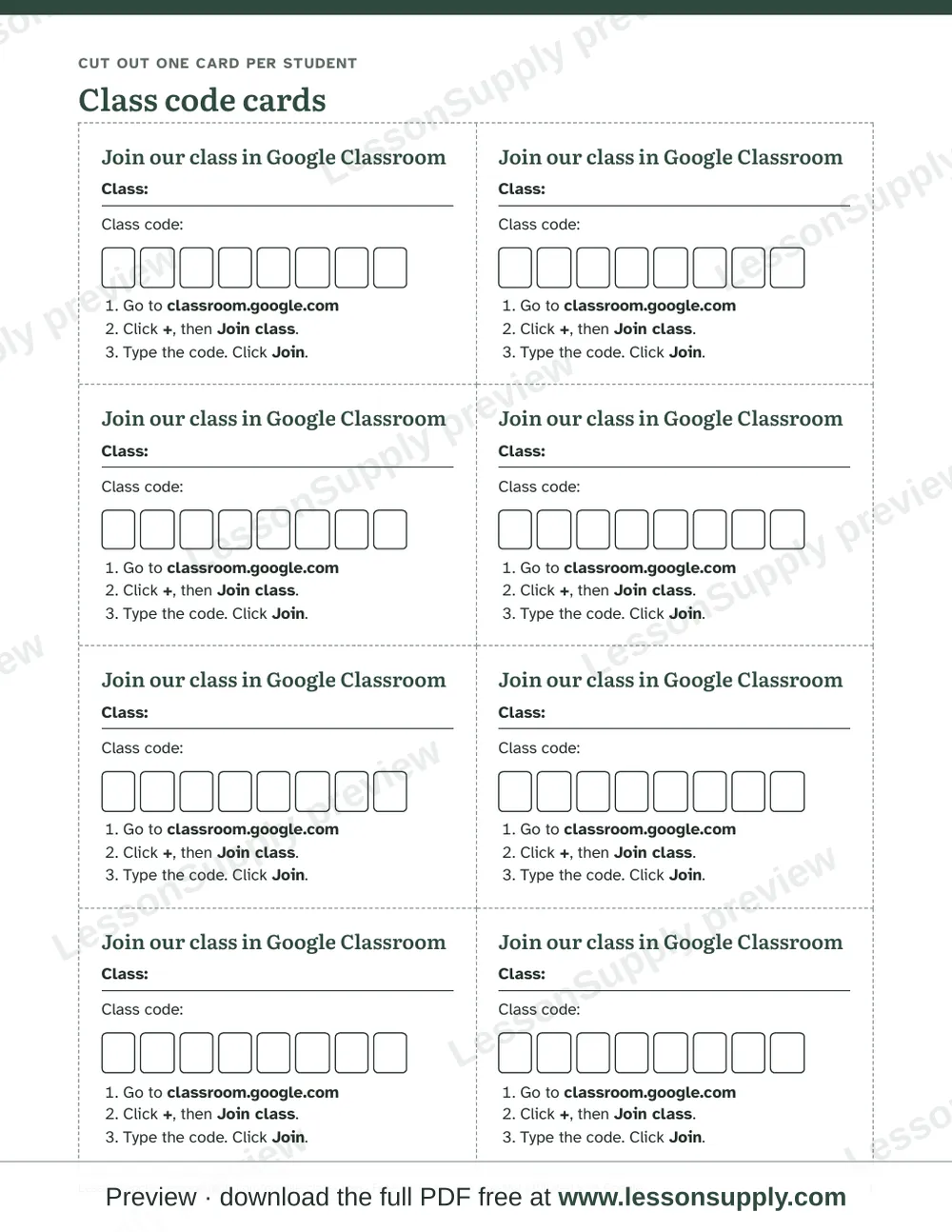
| 4 | Class code cards: write your code once, copy, cut |
| 5 | Student login cards: name, school email, password and class code for younger students |
| 6–7 | Parent invite letter in English and Spanish, with a return slip for the email address you'll invite to guardian summaries |
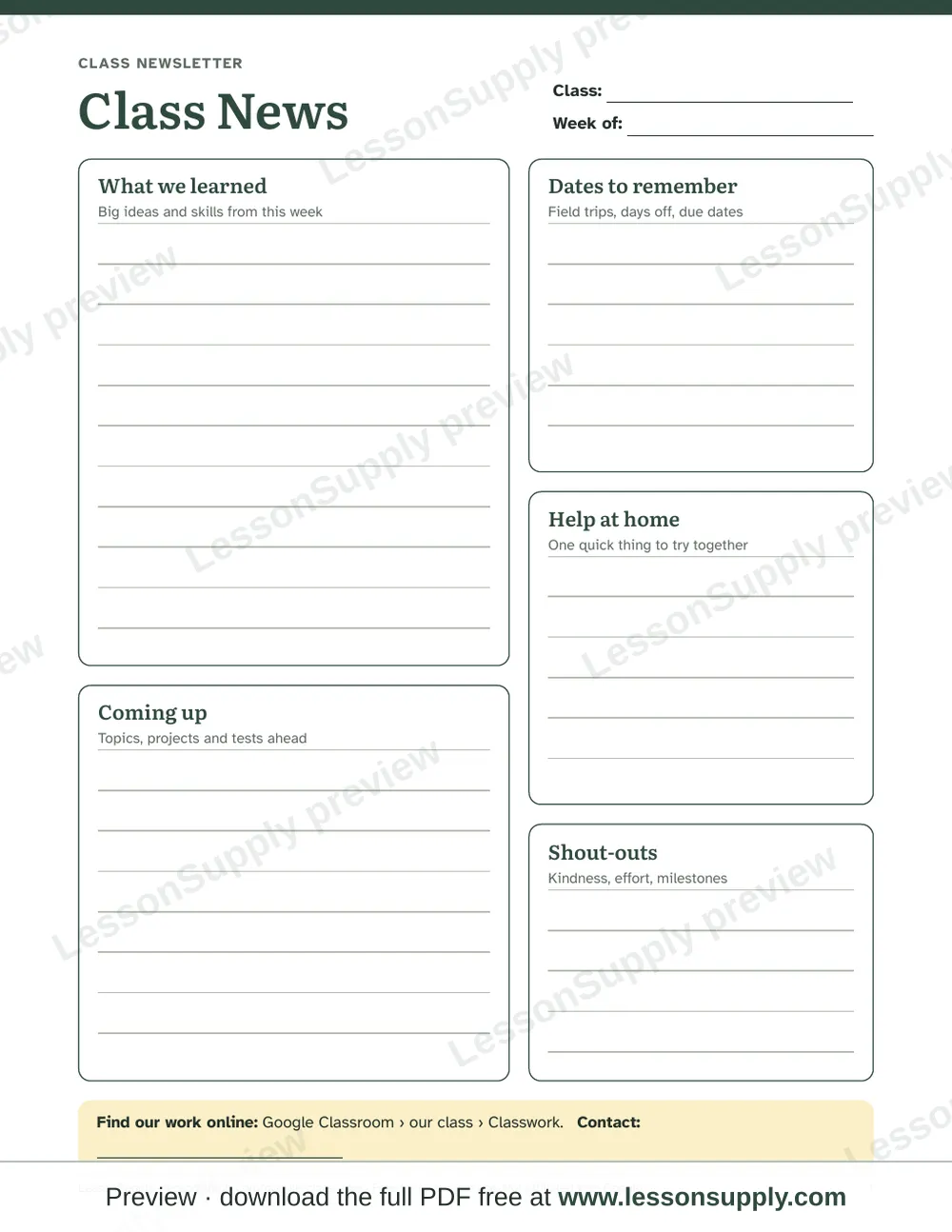
| 8 | Class newsletter |
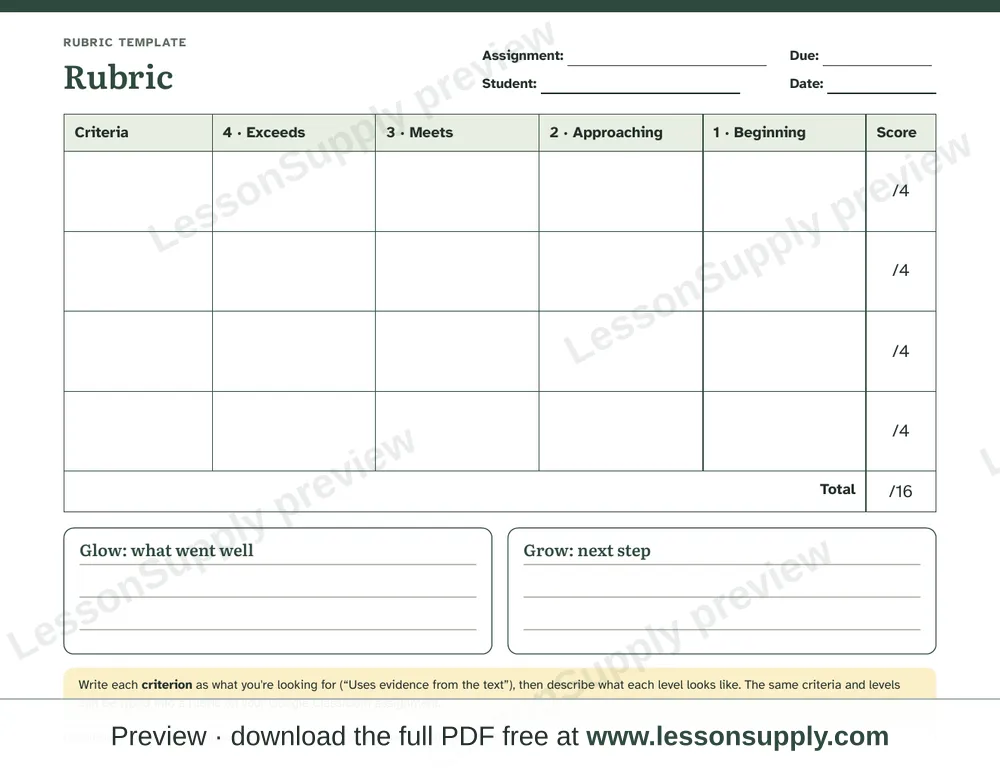
| 9 | Rubric: four criteria, four levels, glow and grow |
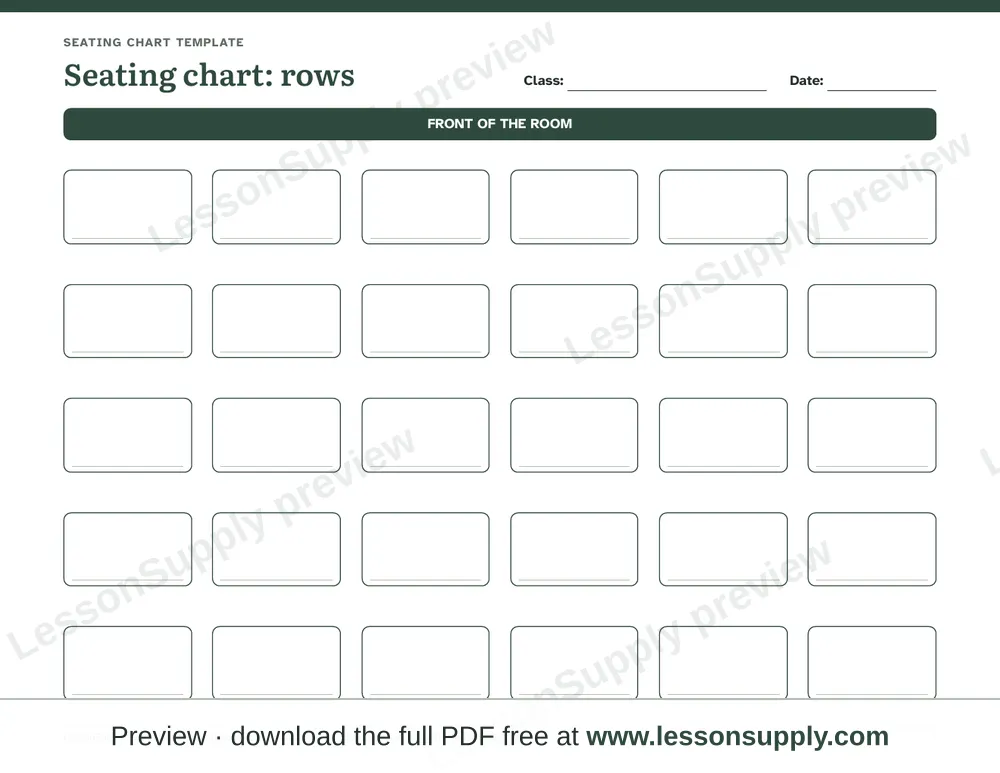
| 10–11 | Seating charts: rows of desks, and table groups |
Every step is explained in our free Google Classroom guides.
Works for: Whole class
You’ll need: Printer, Scissors for the cards
We want this to be a great resource for you. Please let us know how we can do better.
PDFGoogle DocsPDFGoogle DocsPDFGoogle DocsPDFGoogle DocsPDFGoogle DocsPDFGoogle DocsCan’t find what you want? Let us build it for you